On-call schedule: how to manage your on-call phone service
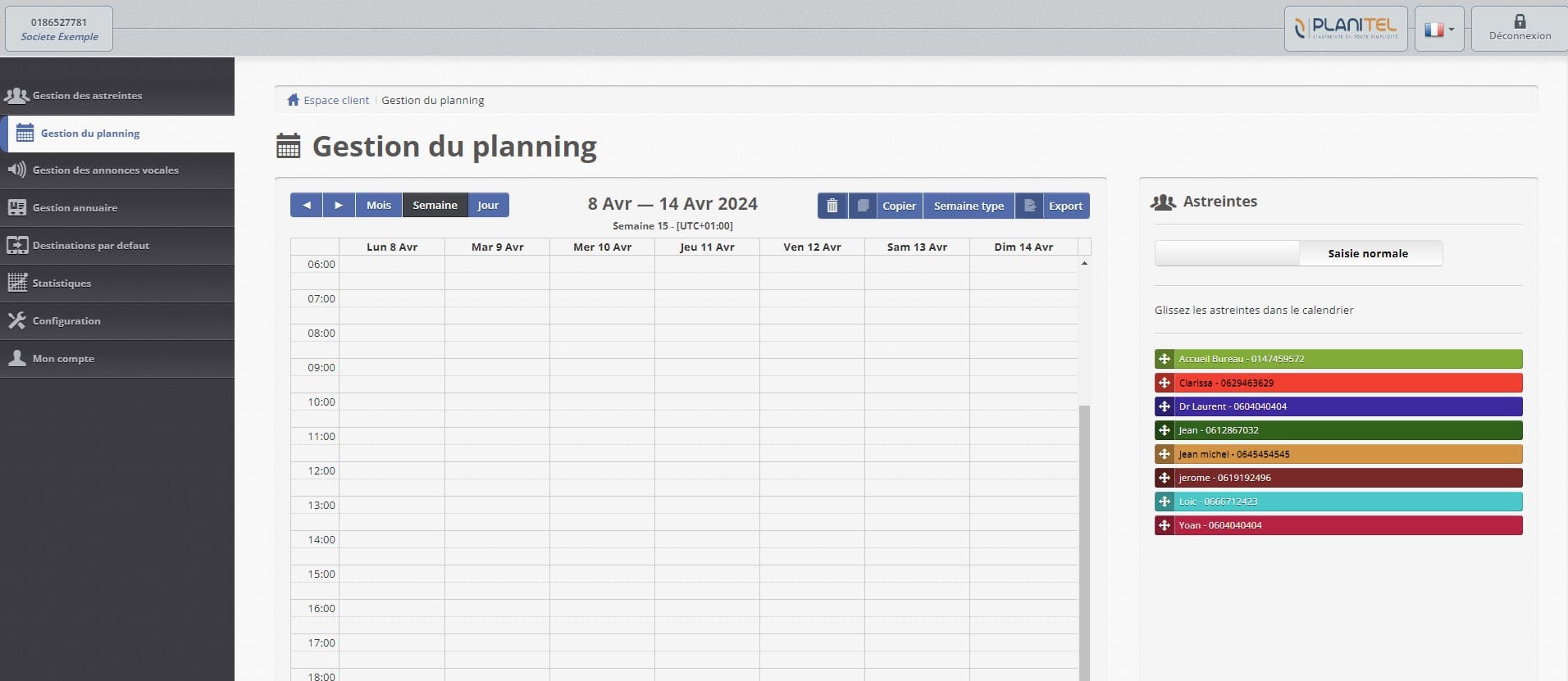
How do you add on-call staff in Planitel?
An online on-call schedule automatically assigns one person to each time slot and routes incoming calls to them, with no manual work needed. Setting it up in Planitel starts with listing and registering everyone involved in answering the on-call number.
You'll need each person's name and phone number (usually their mobile). You can add several contact numbers per person, called in order if the first one goes unanswered.
You can also add a service — like front-desk reception during office hours. Every on-call person shows up in a different color.
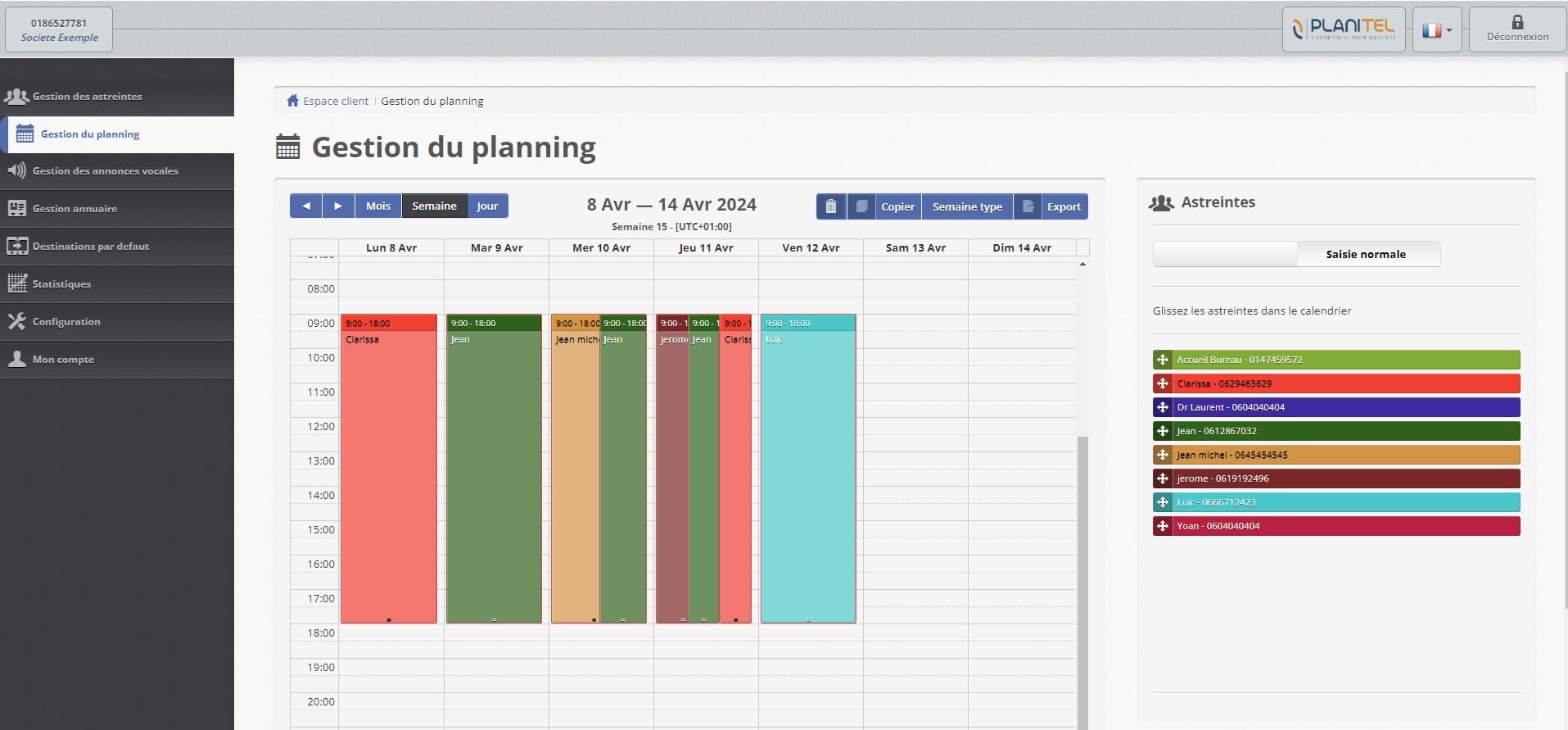
How do you fill in the on-call schedule?
Once your team is set up, filling in the schedule is extremely simple.
Just select a person or service and drag it onto the calendar.
Predefined on-call periods and copy options make this even faster.
You can assign several people to the same time slot to cover any escalation need.
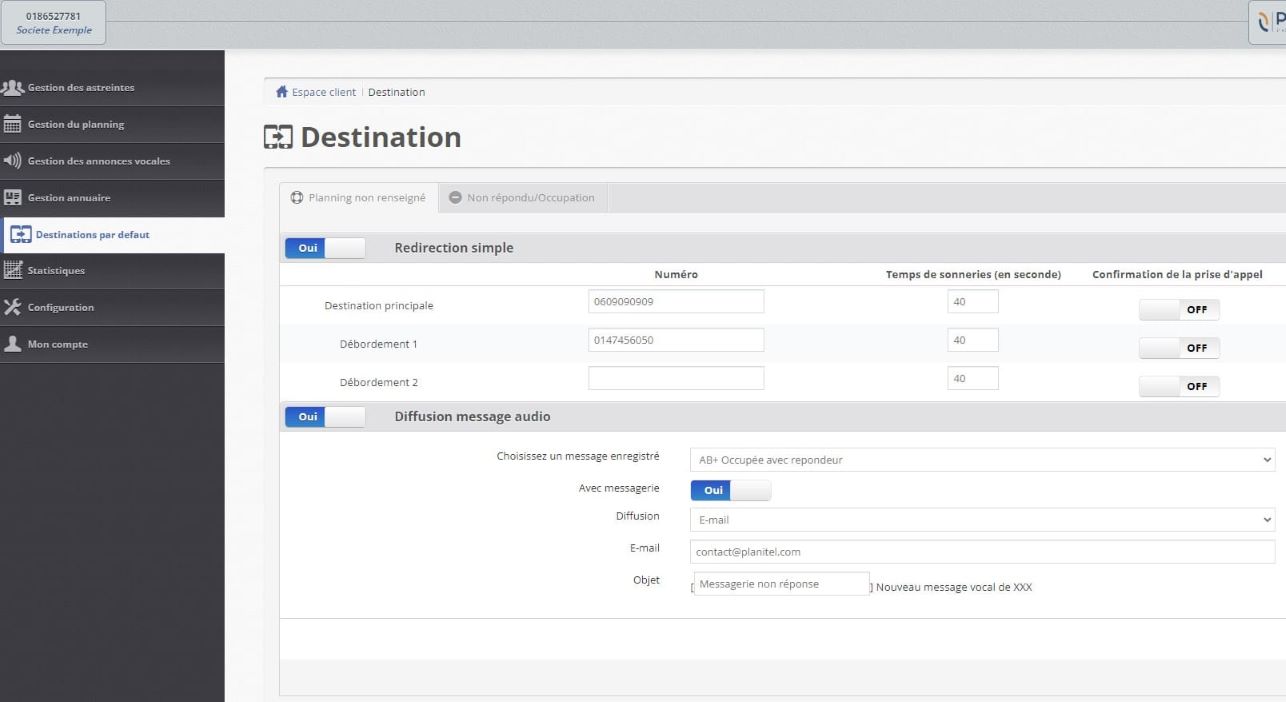
How do you set up an escalation scenario?
If a person or team doesn't answer, several scenarios are possible:
- Automatic call transfer to one or more supervisors.
- A custom voicemail, with or without an answering option.
If the caller leaves a message, it's automatically sent by email as an attachment. You can also receive an SMS with a link to the message.
Alerts are also available to notify you if a call wasn't picked up by the on-call team.

How is call routing automated?
Once the schedule is set, Planitel automatically routes your on-call calls according to the dates and times you've defined.
No more manual call forwarding, no more phones passed from hand to hand.
And you can always change the schedule in real time through the online interface.

Can you check and change the schedule in real time?
The person in charge of the on-call service can instantly see whether coverage is guaranteed around the clock.
They can be alerted by email if a shift on the schedule isn't covered, and change a call routing from anywhere, in real time, whenever something unexpected happens.
Access to detailed statistics, with the ability to leave a comment, helps improve service quality and stay fully reachable 24/7.